Twitch Chat Plinko
It's Plinko. You know it already. Now it lives on your stream.
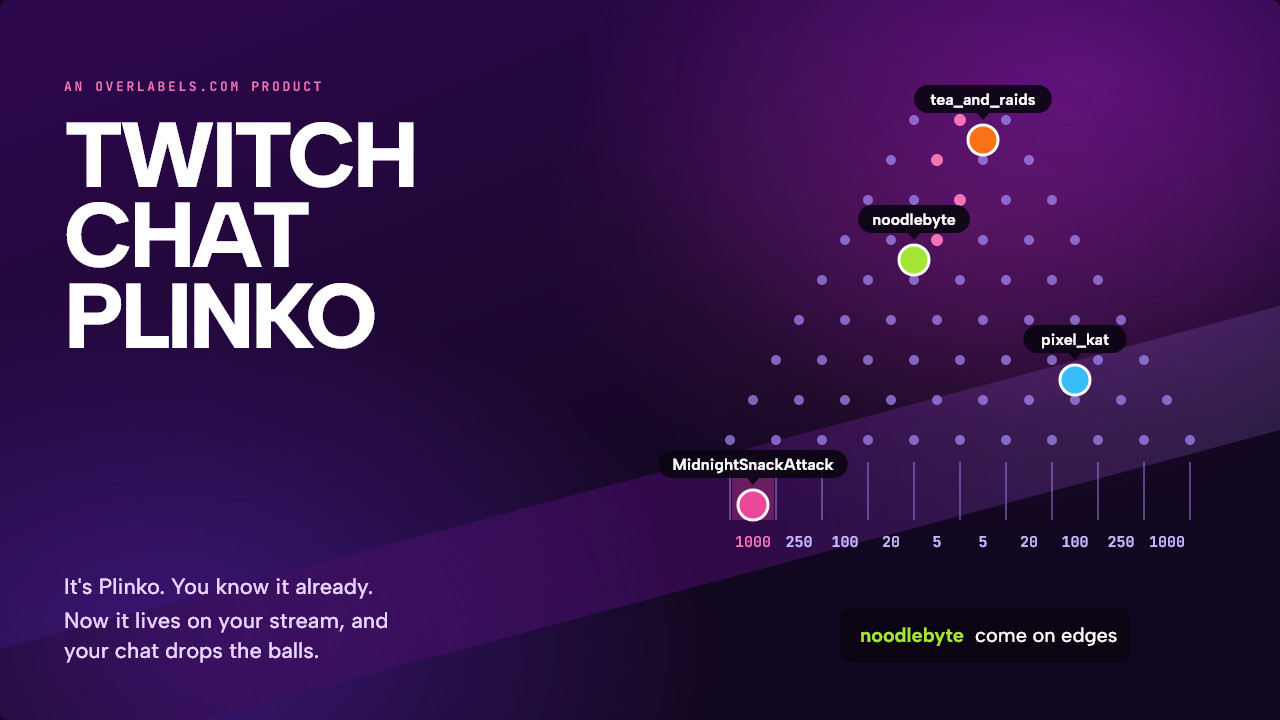
Drop a ball, watch it bounce off the pegs, hope for the edge. Twitch Chat Plinko is the same game, except your chat is playing: every !drop (or the word you pick) sends a ball with that chatter's name on it down the board, and the best scores go up beside it.
Works with
What your chat does
One command. Three things happen.
-
tea_and_raids: !dropnoodlebyte: !drop come on edgespixel_kat: !drop
Chat types !drop
Or any word you pick. One ball each, in the order chat sends them.
-
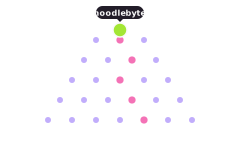
Their name rides the ball
It bounces off every peg on the way down.
-
1000points at the edges
5 in the middle, where most land
It lands in a slot
The middle is easy and pays little. The edges are rare.
Why streamers use it
Twitch Chat Plinko: the Plinko you know, played by your chat.
Played in chat order
Every drop takes its turn in the order chat sent it. When chat is busy, everyone waits in a line that shows on screen.
Twitch Chat Plinko keeps score
The six latest drops and the five best totals fill in beside the board as the balls land.
Nothing to set up
No bot and no account to connect. Twitch Chat Plinko reads your chat directly, like any viewer does.
Follows your mods
When a mod deletes a drop or times someone out, their ball leaves the board. Chatters you have hidden never get one.
Make it yours
Three themes to start from.
Pick one in the designer, then change any of the five colors, from the pegs to the highlight, to match your stream.
Twilight
Deep violet with pink highlights. The colors the game started out in.
Nordic
Night blue with yellow highlights. Cool and calm, with one warm color that stands out.
Moss
Dark forest green with lime highlights. Easy on the eyes for a long stream.
Ready in two steps
From this page to your stream.
Every step is a button on the next page. You never have to go looking for a setting.
-
1
Get Twitch Chat Plinko
Log in with Twitch. One click puts it in your account.
-
2
Add it to OBS
Copy one link into a Browser Source. Streamlabs Desktop and any other app with a browser source work the same way.
Size the browser source to your whole canvas, 1920 by 1080. Twitch Chat Plinko is a full scene, made for BRB and downtime.
Questions
Before you click.
What do my viewers type?
!drop, unless you picked another word. Anything after it still counts, so !drop come on edges drops a ball too.
What if my whole chat drops at once?
Everyone gets a turn. Up to 150 balls are on the board at once and ten new ones join every second. Everyone else waits in line in the order they typed, and the line shows on screen.
Can one chatter flood the board?
No. Each chatter has one ball at a time. Another drop while theirs is still on the board is ignored.
Do the scores carry over?
They count from when the overlay loaded. Reloading the browser source starts a new game.
My channel already uses !drop. Can I change it?
Yes. Pick any word on the Plinko page in your settings, under Integrations, and the board listens for that instead.
Does it need the Overlabels bot?
No. Twitch Chat Plinko reads your chat directly. The bot never has to be in your channel.
Is it really free?
Yes. Overlabels has no tiers, no trial and no card to enter. Every product is free.
Can I remove it later?
Yes. One button on the product's page removes it and everything it installed.
Let your chat drop the first ball tonight.
Free. Two steps.
Works with
More things your chat can do